Bag photography
Bag photography that keeps the leather exact.
A catalog brief for handbag brands: shape, grain and hardware held true across front, gusset, interior and on-model shots, checked against the real bag.
By Sidharth Sahni · Updated · 5 min read
Part of the Watches & accessories playbook: shot list, ad formats, the calendar and the work for your category.
Short answer. For ecommerce bag photography, plan six views: front, side gusset, interior, hardware macro, on-shoulder and in-hand. Check each against the real bag for shape, leather grain, stitching, strap length and hardware finish, and ask for an extra reference when a view such as the interior cannot be verified.
On-model bag imagery made for Latico
These are AI on-model stills Helium generated for Latico leather bags: street and studio looks that keep the leather, hardware and shape exact. See the Latico project for the full set.
A bag is judged on three things a shopper cannot touch: how big it is, how it hangs, and what the leather looks like up close. On-model and in-hand shots answer the first two; a close crop answers the third. Keep a plain front and interior view beside the lifestyle images so the product page stays honest.
Latico: on-model, street and detail
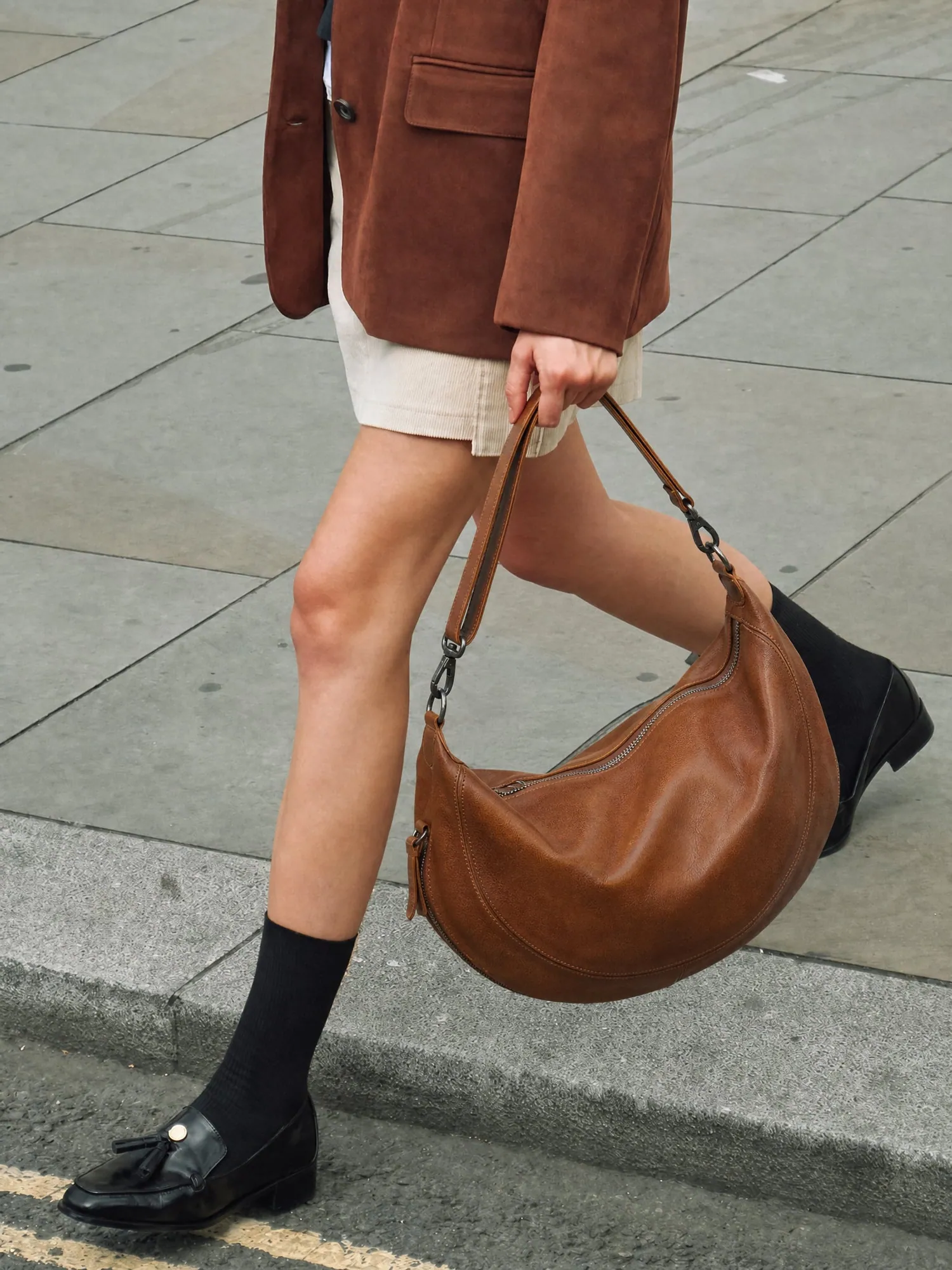
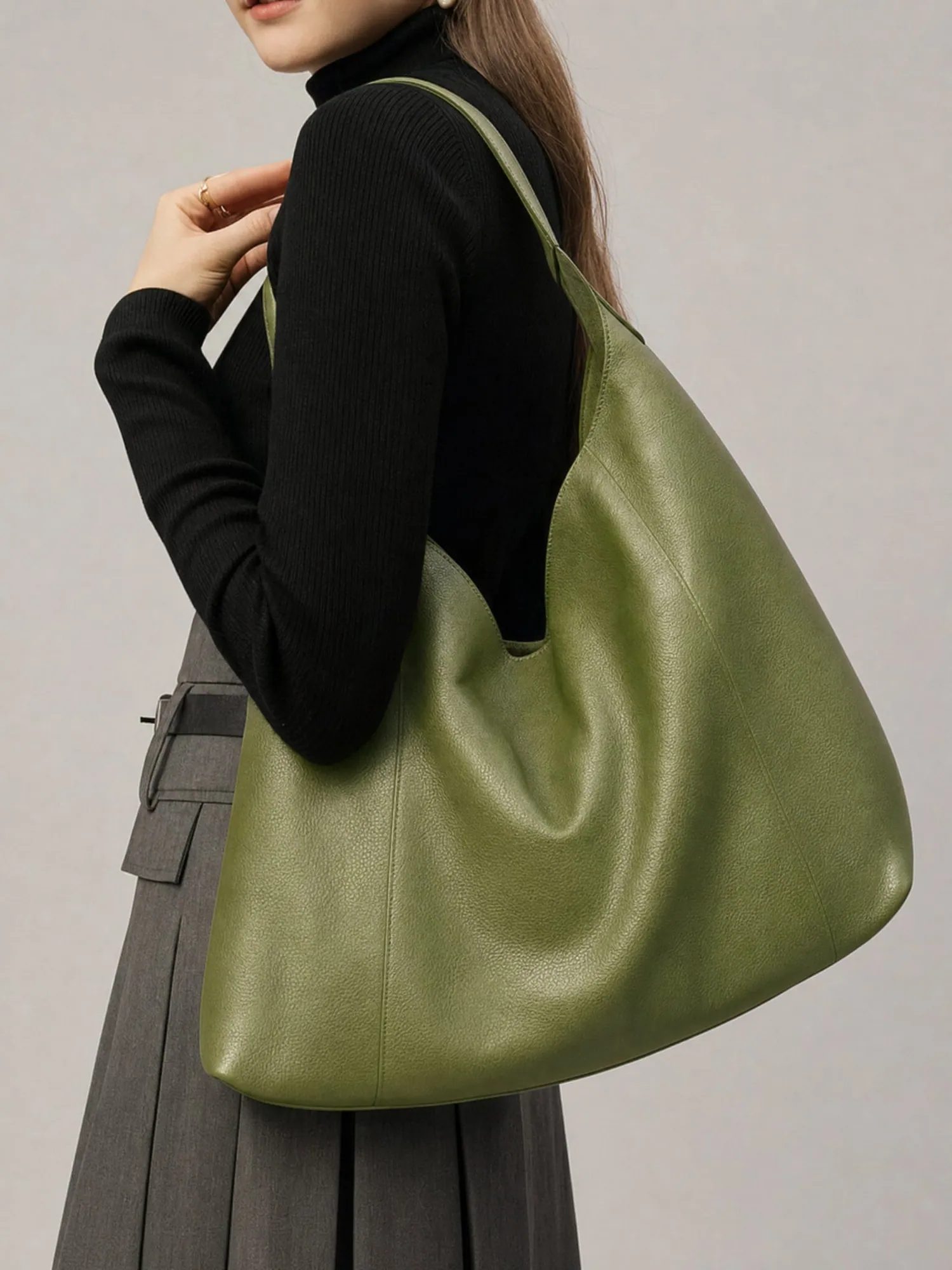
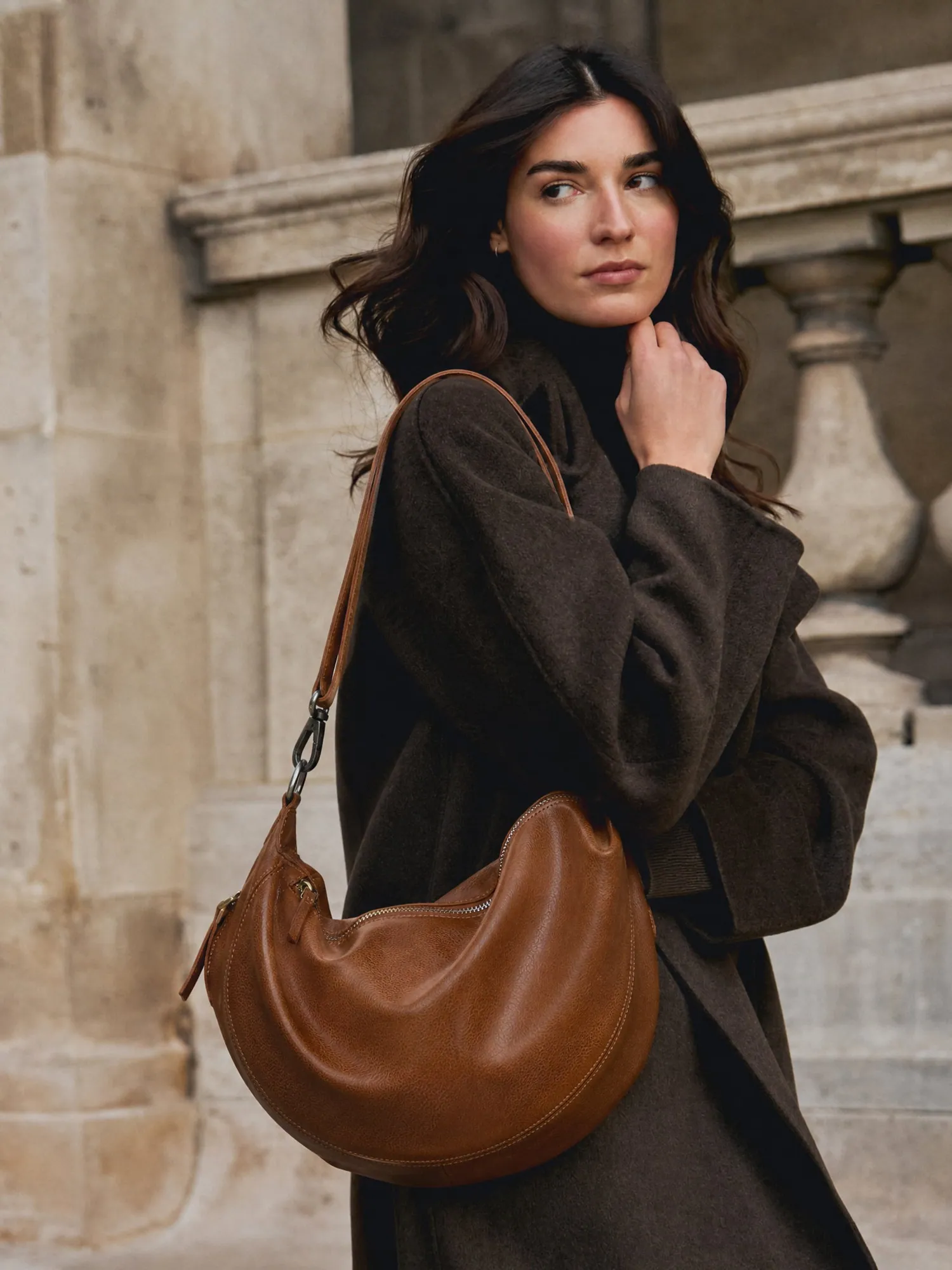
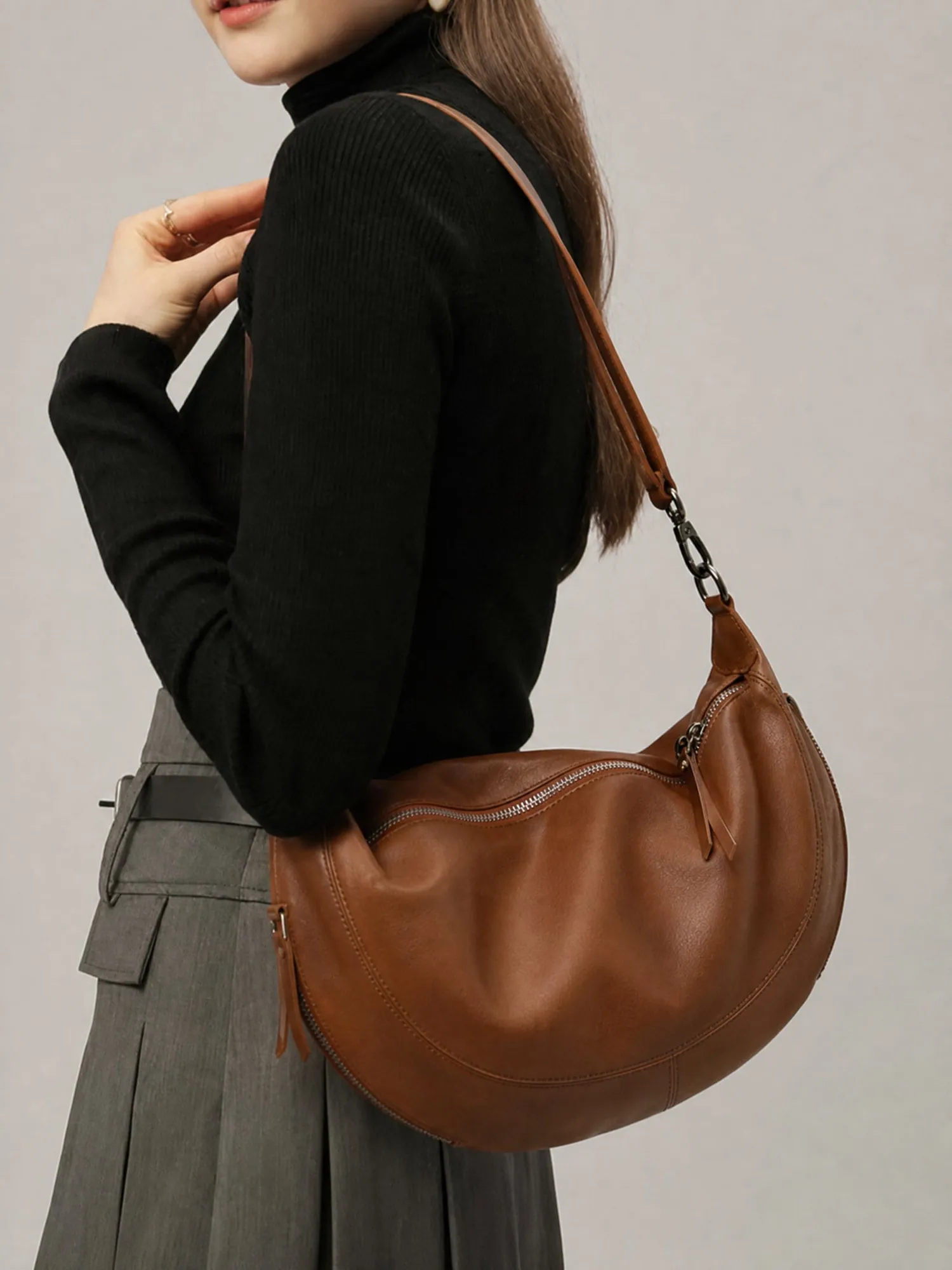
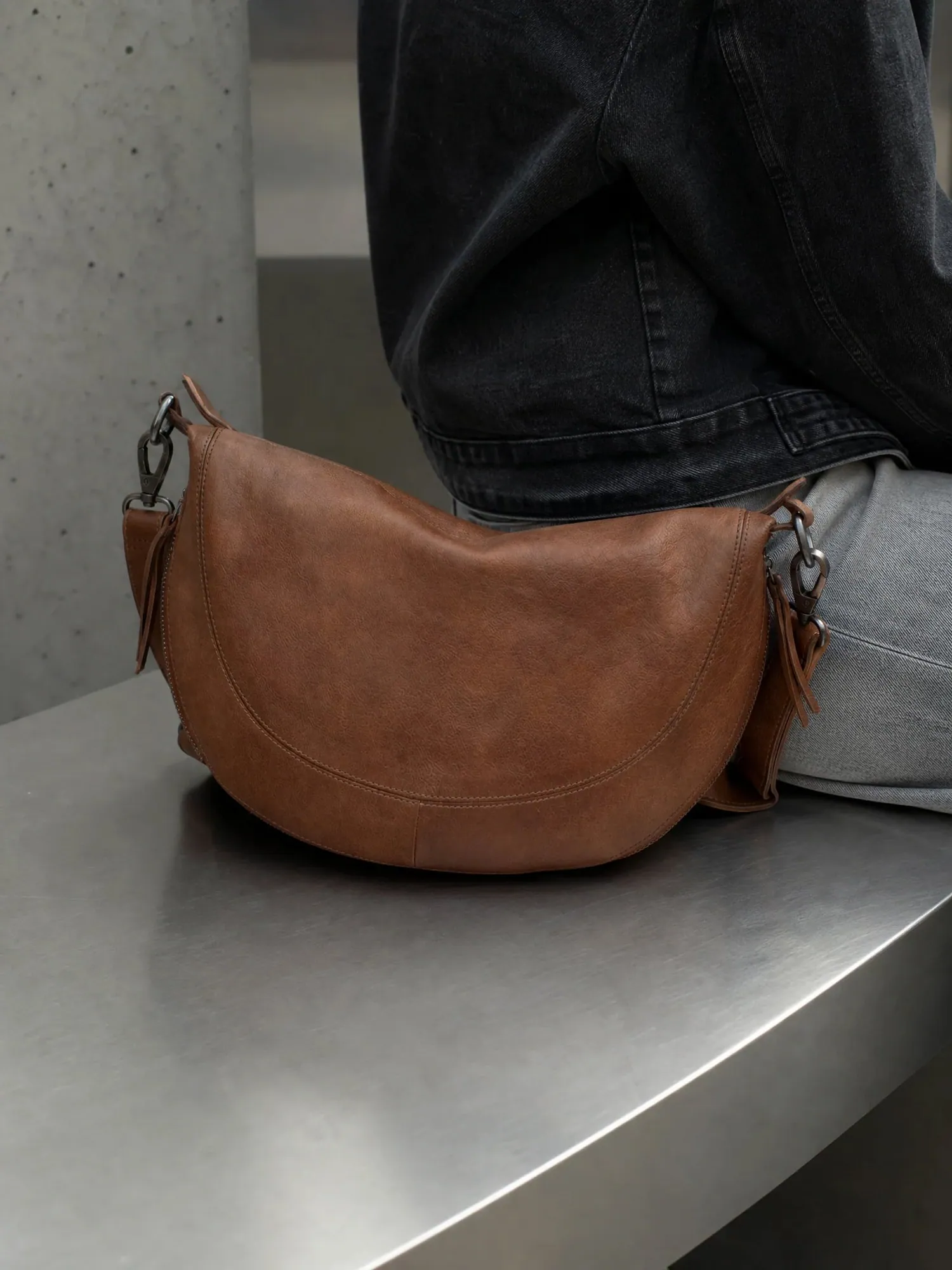
A six-view bag catalog brief
| View to request | What the buyer should see | Accuracy check against the real bag |
|---|---|---|
| Front | Silhouette, flap or zip, closure and any logo placement | Compare the outline and logo position with a straight-on reference. Bag shape sags or stiffens easily in generated images. |
| Side gusset | Depth, base shape and how the bag sits | Use a real side photo. Do not let depth be guessed from the front view. |
| Interior | Lining colour, pockets and zip | Photograph the open bag. Never generate pocket count or lining that has not been shown. |
| Hardware macro | Clasp, zip pull, studs, ring and chain finish | Check metal tone (gold, antique brass, gunmetal) against the reference. Count studs and rings. |
| On-shoulder | Drop length, strap position and how the bag hangs | Give the real strap drop and bag dimensions. Do not infer size from a generated model. |
| In-hand or carried | Handle comfort, scale against a hand or hip | Check handle shape, stitching and grain after the model pose is added. |
Leather, hardware and shape: what drifts first
Leather is the hardest surface to keep honest. Grain pattern, sheen and edge paint can flatten or smooth out when a bag is placed in a new scene, and a tan can drift towards orange under a different light. Hardware drifts next: the clasp keeps its place but gains a different finish, or a stud count changes.
Review at full size, with the real bag or a sharp photo of it beside the image. Look at the strap attachment points and the stitching line first; those are where a plausible replacement tends to hide. For structured bags, check that the top line stays level and the base keeps its footprint.
The same review is part of Helium's managed AI photoshoot: every image is checked against your references before it reaches you.
Brief a bag catalog before generating the scenes
- Photograph each colourway as its own SKU
Send a front, side, interior and hardware close-up for every colour and leather. A recolour is not evidence that the second colour has the right grain or metal. - Send real dimensions and strap drop
Width, height, depth, handle drop and strap length. These decide how large the bag looks on a model and are the first thing shoppers ask. - Choose the on-model and lifestyle looks
Pick a few settings that fit the collection (street, studio, travel) and keep the plain catalog views separate from the campaign scenes. - Review the hardware at full size
Compare clasp, zip pulls, studs, chain and stitching with your references. Reject an image when a detail is wrong or cannot be verified. - Name files by SKU and view
Export by SKU, colourway and view, and test the store, marketplace and ad crops. Keep a reference-to-output record so a wrong colourway cannot slip into a listing.
From one bag shot to short video ads
Once a bag has approved stills, the same product becomes short vertical video: a carried-on-the-street clip, a hardware close-up, a colourway reveal. Helium makes these as part of its managed ad creatives service, using your approved references so the leather and hardware match the product page. Ask for the stills first; they are the reference the video is checked against.
A managed bag photoshoot, with a sample first
Catalog images start at ₹85 per image in India, exclusive of GST, or $1 per image internationally, with product-accuracy QC on every image and volume pricing for full catalogs; see pricing. Video is priced separately per video on the same page.
Send a product link and your references through the free-sample form and say which detail you most want checked: hardware, grain or shape. For the full reference-to-review method read the AI product photoshoot guide. If your store runs on Shopify, bulk product editing can help with listing copy once the images are approved.
Sources
Questions
Bag photography questions
Can AI make on-model bag photos from a packshot?
A clear packshot can start the brief, but it does not show the gusset, interior or strap drop. Send those references, then check shape, grain and hardware at full size before publishing.
Do different colours of the same bag need separate references?
Yes. Each colourway has its own leather tone, grain sheen and sometimes hardware. Provide references per SKU.
How do I show the size of a bag online?
Pair an on-shoulder or in-hand image with the real dimensions and strap drop in the product details. Do not let the model's body decide the scale; give the real measurements.
How do you photograph shiny hardware and leather without glare?
Shape the light with diffusion and separate the checks: the leather grain, the metal finish and the lining. In an AI-assisted workflow, apply the same checks at review and ask for another reference when a reflection hides a detail.
What does Helium charge for bag catalog images?
Catalog images are ₹85 per image in India, exclusive of GST, and $1 per image internationally, with product-accuracy QC included and volume pricing for full catalogs. The pricing page lists the current offer.
Which photos should a bag product page include?
Use the six-view brief above: front, side gusset, interior, hardware macro, on-shoulder and in-hand. Choose the final set around what shoppers cannot judge without touching the bag: size, depth and leather.
Keep reading
Related.
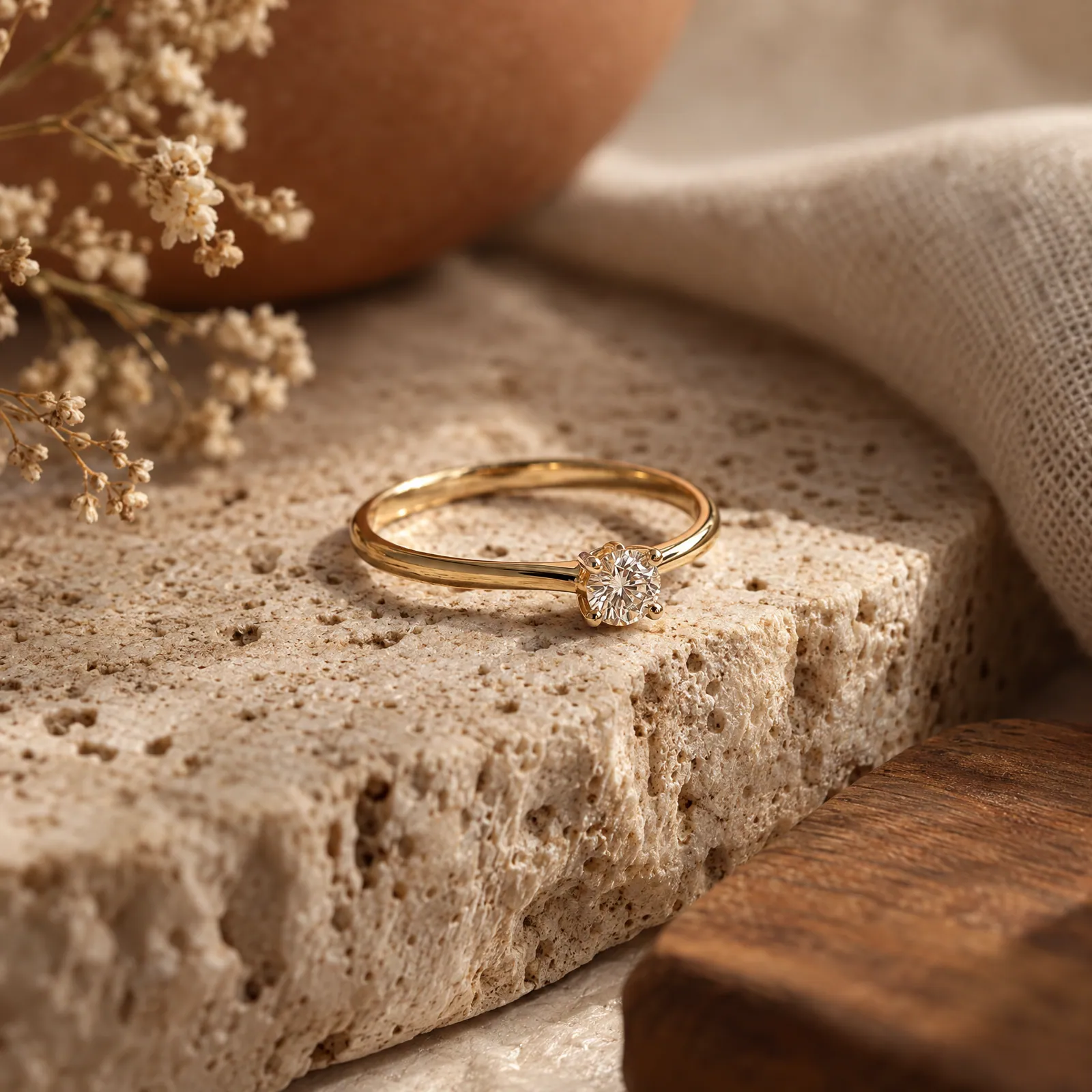
Jewellery photography where the stones stay real.
Macro, white-background, on-model and styled shots for every piece, with metal tone, stone count and size checked against the real thing.
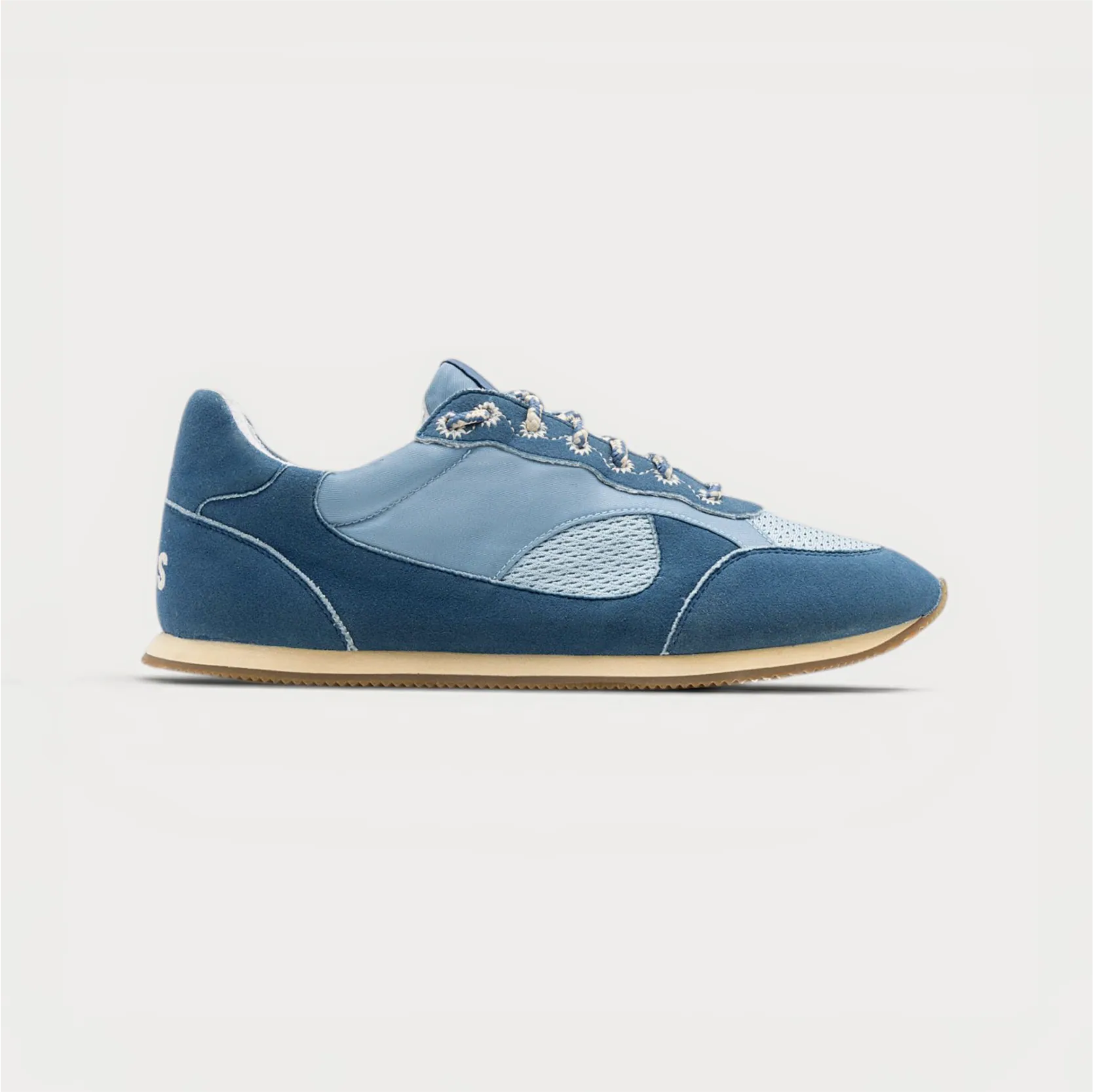
Shoe photography from one packshot.
Seven angles, the sole, macro details and on-foot street shots for every pair, made from the photos you already have and checked stitch by stitch.
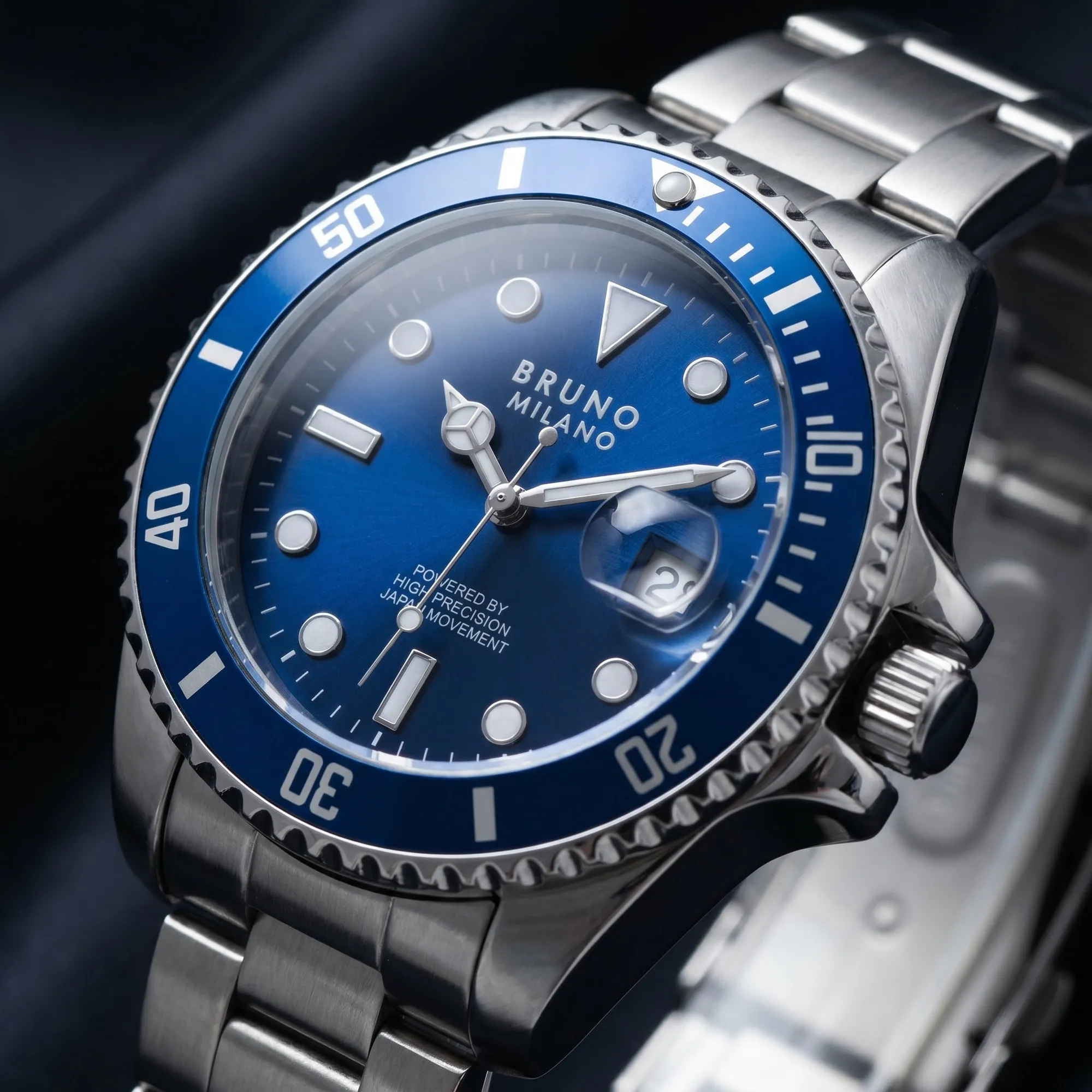
Watch photography, down to the dial.
A catalog brief for watch brands: readable dials, controlled reflections, useful angles and a check against the real watch before any image goes live.
Free sample
Start with the bag you want to check closely.
Share a product link and your reference photos. Tell us whether hardware, grain or shape matters most.
Rather talk? or WhatsApp us