Marketplace guide
Amazon product image requirements, as a checklist.
The main-image rules that get listings suppressed, the technical specs, and where AI-made images belong in your gallery.
By Sidharth Sahni · Updated · 4 min read
Short answer. Amazon's main image must be a real photo of the product on a pure white background (RGB 255, 255, 255), with the product filling about 85% of the frame and no text, logos, borders or watermarks. Images should be at least 1,000 pixels on the longest side so zoom works, in JPEG, TIFF, PNG or non-animated GIF. AI-made lifestyle, scale and on-model images belong in the secondary images, not the main one.
Main image checklist
| Rule | What it means in practice | Common failure |
|---|---|---|
| Pure white background | RGB 255, 255, 255 edge to edge | Off-white (#F8F8F8) or a soft grey shadow pool that reads as grey |
| Product fills about 85% of the frame | Crop tight; little empty white space | Small product floating in a big white canvas |
| The actual product | A real photograph of what the customer receives | Renders, illustrations or a mock-up standing in for the product |
| Nothing added on top | No text, logos, badges, borders, colour blocks or watermarks | "Bestseller" or "100% cotton" badges on the main image |
| Only what's included | No props or accessories that aren't in the box | Styling props that make buyers think they're included |
| Whole product in frame | Nothing cropped off at the edges | Bag straps or shoe toes cut off |
Technical specs
| Spec | Requirement |
|---|---|
| Size for zoom | 1,000 px or more on the longest side (zoom turns on at this size) |
| Minimum size | 500 px on the longest side |
| Maximum size | 10,000 px on the longest side |
| File types | JPEG (preferred), TIFF, PNG, non-animated GIF |
| Colour mode | sRGB or CMYK |
| File name | Product identifier (ASIN, ISBN, UPC or EAN), an optional variant code, then the extension, for example B0XXXXXXXX.MAIN.jpg |
Where AI images fit on Amazon
The main image has to be a photograph of the actual product, so treat it as a real photo, cleaned to pure white. That's a retouch, not a generation.
The secondary images are where AI earns its keep. They're the images shoppers swipe through to decide, and most sellers under-use them:
- Lifestyle in context: the product in the room, on the desk, in the kitchen.
- Scale: in a hand or on a model, so size is obvious.
- On-model for apparel and accessories: fit, drape and how it's worn.
- Detail macro: material, stitching, texture.
- Benefits or what's in the box: a clean layout of included items.
The rule that matters for all of them: the product in the image must be the product in the box. An AI image that changes the logo, colour or proportions misrepresents the product, which Amazon's image rules don't allow, and it drives returns. Run the seven-point accuracy check on every image.
How to prepare a compliant image set
- Shoot or collect a clean reference
Even light, product square to the camera, nothing cropped. This becomes the main image after a background cleanup. - Clean the main image to pure white
Remove the background, set it to RGB 255, 255, 255, and crop so the product fills about 85% of the frame. Check the edges with a colour picker, not by eye. - Export at 2,000 px
Comfortably above the 1,000 px zoom threshold and well under the 10,000 px limit. JPEG in sRGB is the safest default. - Build the secondary images
Lifestyle, scale, on-model, detail and what's-in-the-box. This is where an AI photoshoot replaces a studio booking. - Name files by identifier
ASIN or barcode plus a variant code, so bulk uploads land on the right listing. - Re-check the live listing
Open it on mobile, test zoom, and look for suppression warnings in Seller Central.
Selling on more than Amazon?
Every marketplace publishes its own image rules, and they don't all agree. Fashion marketplaces in India lean on portrait on-model images; Amazon wants a white-background main. The practical answer is one master set per product and an export per channel.
That's how Helium delivers an AI photoshoot: one locked look per catalog, then marketplace sizes for Amazon, Flipkart, Myntra and Shopify, plus Meta and Google ad crops. For category specifics, see our pages on jewellery, shoes, sarees and kurtas.
Sources
Questions
Amazon image questions
Can I use AI-generated images on Amazon?
Use a real photo of the product for the main image. AI-made lifestyle, scale and on-model images can go in the secondary slots, as long as the product shown is exactly what the customer receives.
Can the main image have text or a logo badge?
No. Text, logos, badges, borders and watermarks aren't allowed on the main image. Put benefit callouts in the secondary images.
Do these rules change?
Yes, Amazon updates its image policy and adds category style guides. Check the live Seller Central page before a large upload; we re-check this guide every quarter.
What background does Amazon require for the main image?
Pure white, RGB 255, 255, 255. Off-white or light grey backgrounds can get the listing flagged.
What size should Amazon product images be?
At least 1,000 pixels on the longest side so zoom works; 500 px is the minimum and 10,000 px the maximum. Exporting at about 2,000 px is a safe default.
Keep reading
Related.
How to do an AI product photoshoot without the product changing.
The method we use on real catalogs: good references, a shot list, one locked style, and an accuracy check on every image.
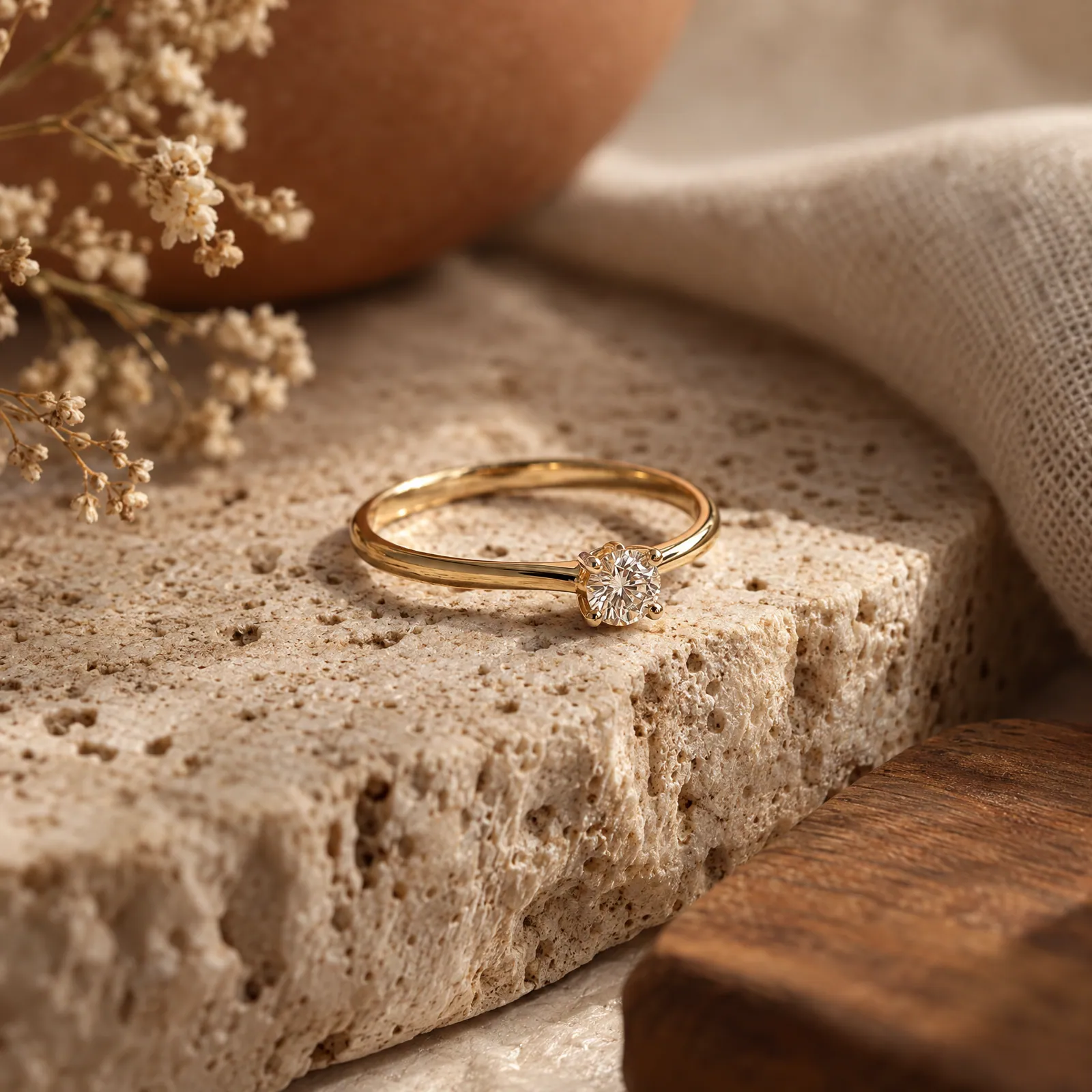
Jewellery photography where the stones stay real.
Macro, white-background, on-model and styled shots for every piece, with metal tone, stone count and size checked against the real thing.
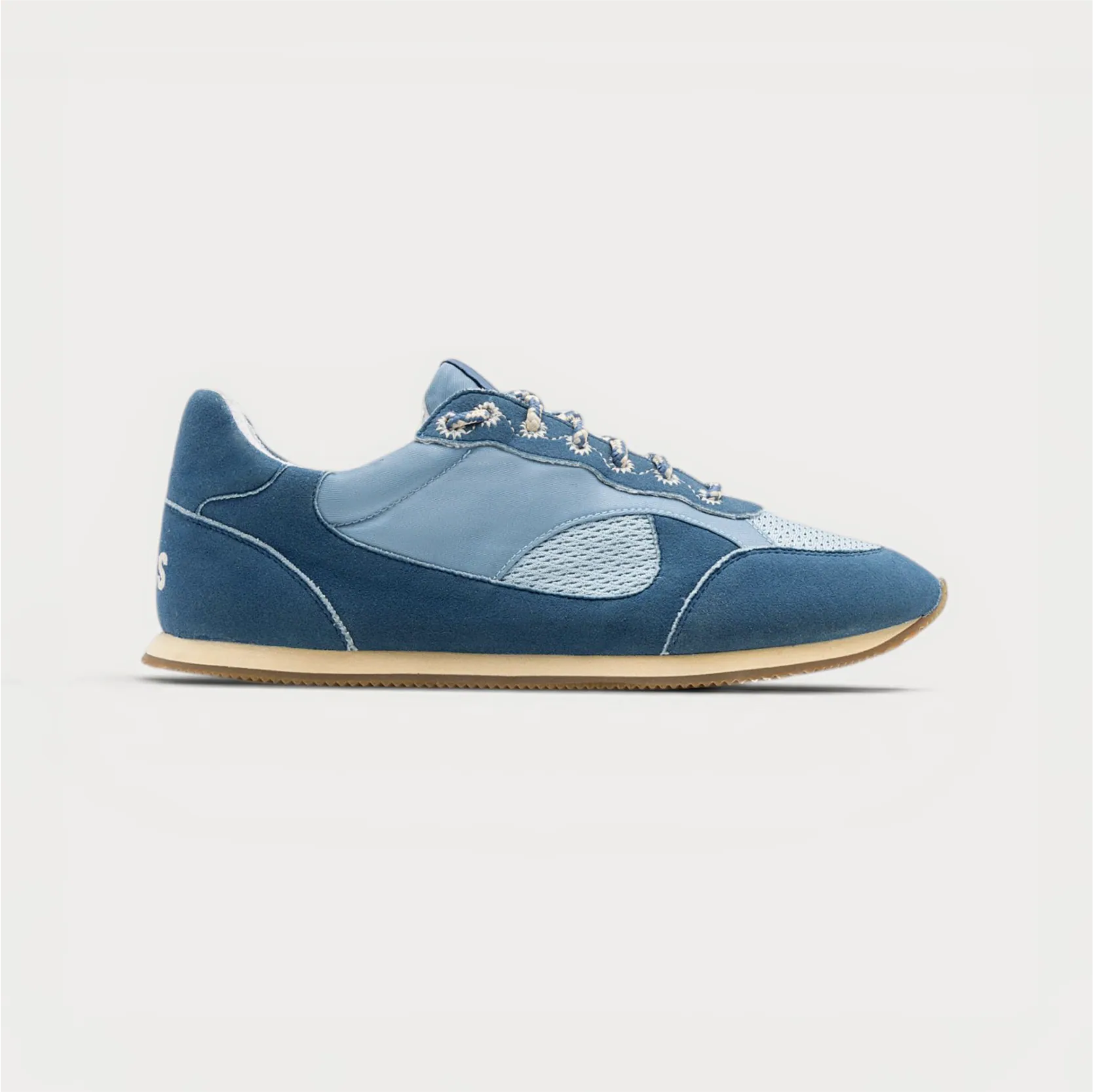
Shoe photography from one packshot.
Seven angles, the sole, macro details and on-foot street shots for every pair, made from the photos you already have and checked stitch by stitch.
Free sample
Get a full Amazon gallery for one product.
Share a listing link. We'll send a white-background main and the secondary images, sized for Amazon, so you can see the difference on your own listing.
Rather talk? or WhatsApp us