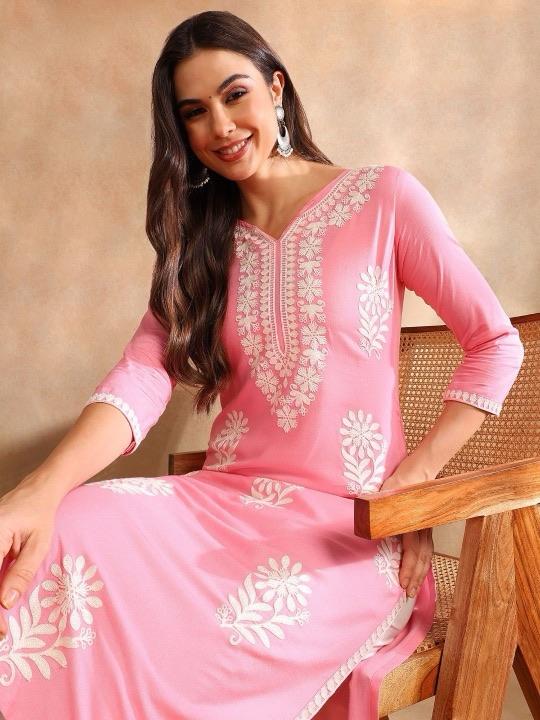
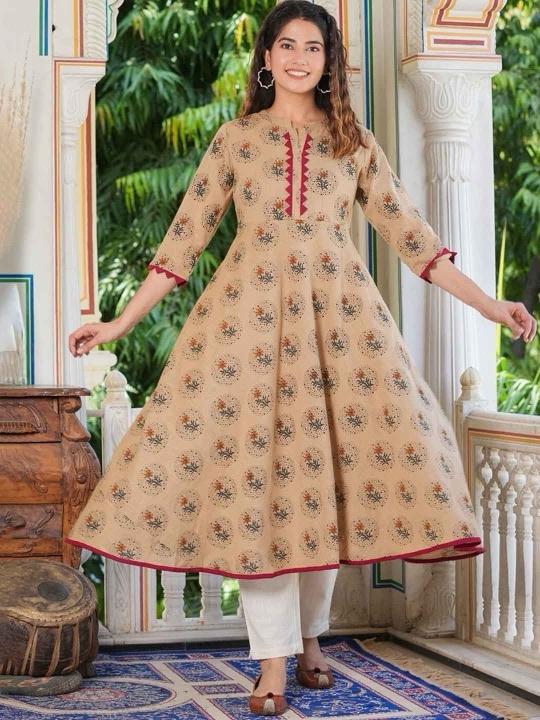
Free listing photo audit
Which cover would you click?
On Myntra, Ajio or Amazon, a shopper sees one small photo of your product next to dozens of others. This prompt scores each of your covers on colour, zoom and lifestyle, and tells you what to change.
By Sidharth Sahni · Updated · 5 min read
Short answer. A listing photo audit scores the cover photo of each product, the only image a shopper sees in a marketplace grid. Paste your Myntra, Ajio, Amazon, Nykaa Fashion or Flipkart link into the box below and copy the prompt into ChatGPT or Claude. It scores each cover out of 30: colour (does the garment stand out), zoom (does it fill the frame and show its detail) and lifestyle (can the shopper picture herself in it), with one fix per photo.




The problem: the cover does the selling, at thumbnail size
On a marketplace your product page doesn't get a chance until someone taps. Before that, all a shopper sees is your cover photo, about the width of a thumb, in a grid of similar products at similar prices.
That changes what a good photo is:
- Detail that looks great full size disappears. Fine prints and light embroidery turn to texture at grid size.
- Busy backgrounds compete with the garment. A beautiful location can pull the eye away from what you're selling.
- Shoppers pick the one they can picture on themselves. A face, a natural pose and a sense of the occasion do that faster than a flat product shot.
Most catalogues are shot once and never checked this way. The audit below looks at every cover the way a shopper sees it.
The scoring system: 30 points across three scores
| Score | What it checks | Points |
|---|---|---|
| Colour | The garment is the clearest thing in the frame: strong light/dark or hue separation from what's directly behind it | 0–4 |
| Colour | The background is calm and works with the garment colour: neutral, complementary or analogous. Busy or same-tone backgrounds lose points | 0–3 |
| Colour | The garment colour looks true and clean, with no colour cast and nothing washed out | 0–3 |
| Zoom | The garment takes up most of the frame, not small inside a wide scene | 0–4 |
| Zoom | The key detail (embroidery, print, neckline) is readable at grid size | 0–3 |
| Zoom | The crop keeps what sells it. Cutting the hem or legs is fine; cutting the neckline isn't | 0–3 |
| Lifestyle | A face with a natural expression or eye contact, someone a shopper can relate to | 0–4 |
| Lifestyle | The setting hints at a real place or occasion without pulling attention from the garment | 0–3 |
| Lifestyle | The pose looks like a real moment and shows how the garment sits on a body | 0–3 |
What your score means
| Total | What it means | What to do |
|---|---|---|
| 24–30 | A strong cover. It stands out in the grid and sells the garment at a glance. | Keep it. Use it as the reference for the next shoot. |
| 16–23 | One score is holding it back, usually zoom or a busy background. | Re-crop, or swap in a closer photo from the same shoot. |
| 15 or under | It blends into the grid or doesn't show what the product is. | Replace the cover: a new on-model or lifestyle photo. |
Quick fixes for each score
Colour. Pick the photo where the garment is lighter or darker than the wall behind it. Light kurtas on light walls disappear. A plain warm or neutral wall makes most colours pop.
Zoom. Crop to knee length if the detail is on the yoke. The cover should show the thing that makes this product different, at a size you can see on a phone.
Lifestyle. Use the photo with a natural smile or eye contact over a stiff front pose. Keep the setting simple: a chair, a doorway or a window says "real place" without stealing the frame.
Marketplaces have their own image rules (white backgrounds on some categories, minimum sizes, no text). Check them before you change a cover. Our Amazon image requirements guide covers Amazon's.
When the fix is a new photo
Re-cropping fixes zoom. It can't fix a cover with no face, no setting or a garment that blends into the wall. Those need a new photo, and reshooting a whole catalogue takes weeks.
Helium makes on-model and lifestyle photos and short videos from the product photos you already have. No new shoot. You choose the setting and the look, and you check each image against your product before it goes live.
Send one product and we'll make a free sample, so you can compare it against your current cover.
Questions
Before you ask.
Can Helium make better covers for me?
Yes. We make on-model and lifestyle photos and videos from your existing product photos. Get a free sample on one product first.
Does a higher score mean more sales?
Not by itself. The score shows how clearly a cover sells the product at grid size. Price, ratings, delivery and stock matter too. Use the score to decide which covers to fix first, then compare clicks before and after.
Does it work for products other than clothing?
The colour and zoom scores work for any product. The lifestyle score is built for fashion worn on a model. For other products, read it as "can the shopper picture using it".
Which marketplaces does this work on?
Any marketplace with a product grid: Myntra, Ajio, Amazon, Nykaa Fashion, Flipkart, Meesho, Tata CLiQ. It also works on your own Shopify collection pages.
Why did ChatGPT say it couldn't open my link?
Marketplaces often block automated visits. Take screenshots of your brand page on your phone, or download your cover photos, and upload them with the prompt.
Will the AI give the same score every time?
Close, but not exactly. Scores can move by a point or two between runs. Compare covers scored in the same run, and look at the reasons, not just the number.
Keep reading
Related.
Amazon product image requirements, as a checklist.
The main-image rules that get listings suppressed, the technical specs, and where AI-made images belong in your gallery.
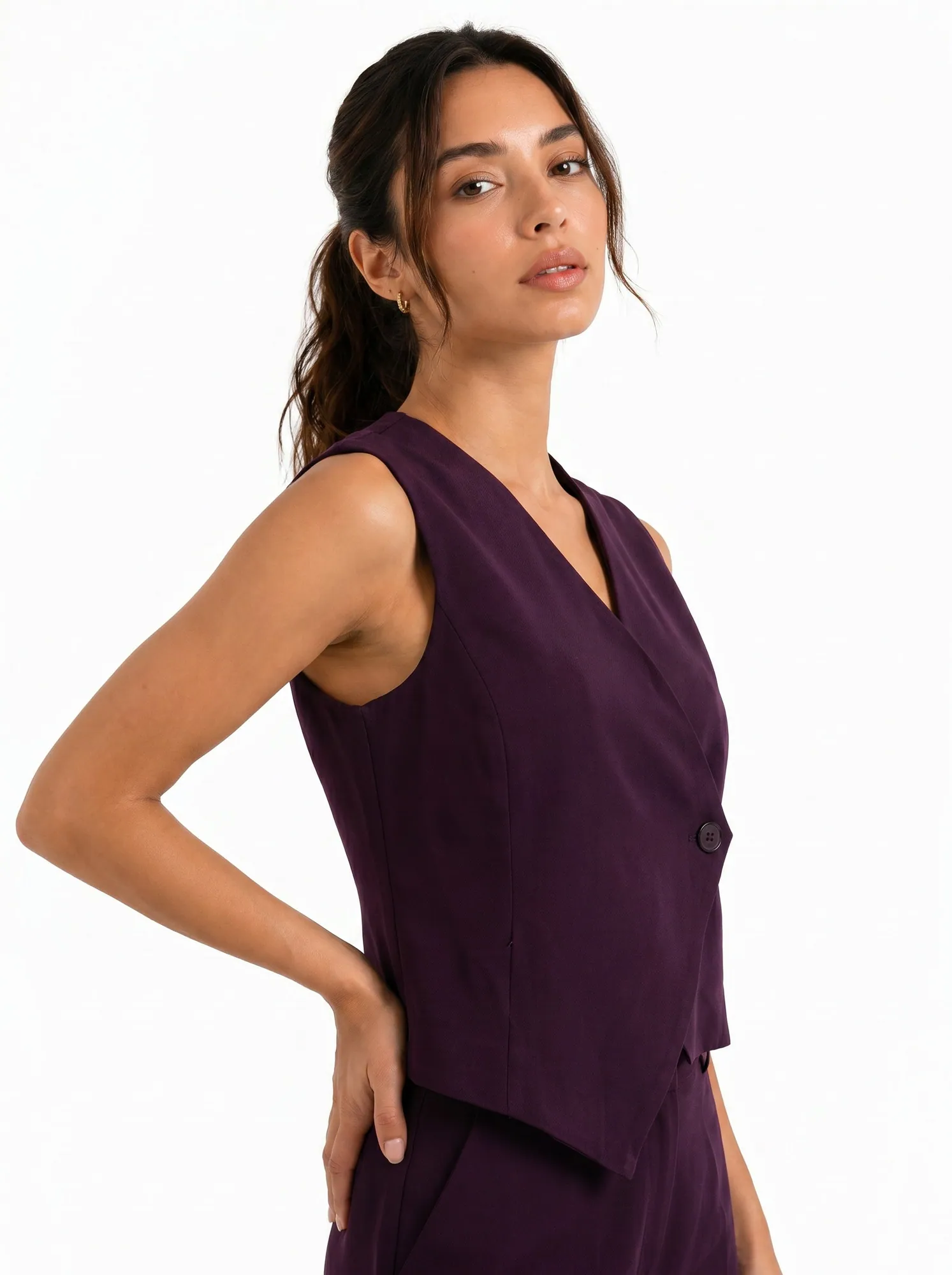
How to plan a catalog photoshoot.
A shot list for every category, the rules that keep 500 products looking like one brand, and when you can skip the studio altogether.

Kurta and kurti catalogs, shot to one look.
Front, back, side, walk, dupatta and embroidery close-up for every style, on the same model and light across the whole range.
Free sample
Send your lowest-scoring cover. We'll remake it.
Share one product and its photos. We'll send back a new on-model or lifestyle cover, so you can put the two side by side in the grid.
Rather talk? or WhatsApp us