Marketplace guide
Myntra image requirements, and where sources disagree.
Size, ratio, format, rejection reasons and the background colour question, with every number tied to the page that reported it.
By Sidharth Sahni · Updated · 7 min read
Short answer. Myntra does not publish one full image rule set in public. Fynd's documentation and the Blooprint guide both report 3:4 portrait JPEG images of at least 1,080 x 1,440 pixels, with no text, watermarks or price tags (as read on 27 November 2026). They disagree on background: Fynd says light grey for apparel and white is not accepted, Blooprint says pure white for the first image. Confirm against the guideline Myntra gives you at onboarding.
Myntra image specs, as reported (not Myntra's own page)
| Spec | Fynd documentation | Blooprint guide |
|---|---|---|
| Aspect ratio | 3:4 | 3:4 portrait, mandatory; square or landscape is rejected |
| Minimum size | 1080 x 1440 or more | 1,080 x 1,440 px |
| Recommended size | Not stated | 1,500 x 2,000 px or larger for the primary image |
| Format | JPEG only | JPEG in sRGB |
| File size | 500 KB to 1 MB | Around 2 MB or less per file |
| Resolution | 72 dpi or more | Not stated |
| Background, apparel | Light grey with a soft shadow; white will not be accepted | Slot 1 pure white (#FFFFFF); later slots white or light grey with soft shadow, consistent across the set |
| Text and watermarks | Not allowed | Text, logos, watermarks, price tags, borders and non-product props are not allowed |
| Apparel image count | Front, side and back views mandatory; pattern or embroidery on a separate image | Minimum five per style: front, back, three-quarter, fabric detail, styled look; each colour needs its own set |
Where these numbers come from
Myntra shares its full category guidelines with onboarded brands. We tried Myntra's partner site on 27 November 2026 and it did not show image rules, and the Myntra seller page we tried timed out. So every figure on this page is attributed to the site that reported it.
- Fynd publishes image guidelines for its Myntra listings integration in its commerce documentation.
- Blooprint, an Indian catalogue studio, wrote a Myntra catalogue guide. It says its own caveat plainly: figures it attributes to studios and catalogue tools are not official Myntra requirements.
Treat the two as a strong starting point, not as the rulebook. The rulebook is the document Myntra gives your brand.
The background colour question
This is the one place the two sources give different answers, so decide it with your Myntra category contact rather than guessing.
- Fynd says apparel images go on light grey with a soft shadow and that a white background will not be accepted. For wallets it names a white background with a natural shadow.
- Blooprint says the first image is on pure white (#FFFFFF), and later images may be white or light grey with a soft shadow, kept consistent across the set.
One practical way to cope: keep your master files on a clean neutral background and export a white version and a light grey version. Re-exporting is cheap. A rejected batch is not. Whichever you upload, keep the set consistent, because both sources ask for that.
Why images get rejected, by source
| Reason | Fynd | Blooprint |
|---|---|---|
| Price tags, stickers or product tags in the frame | Yes | Price tags listed as not allowed |
| Wrong aspect ratio | Not listed | Square or landscape rejected |
| Resolution too low | Blur or pixelation | Below the minimum size |
| Text or watermarks | Yes | Yes |
| Cropped, extended or elongated image | Yes | Not listed |
| Mannequin visible or model missing (apparel) | Not listed | Yes |
| Model wears a similar product, not the exact SKU | Not listed | Yes |
| Creases, folds or wrinkles | Yes | Wrinkled garments |
| Hard lighting or colour cast | Hard lighting | Colour cast |
| Fewer images than required | Front, side and back mandatory | Fewer than the required images |
| Mirrored footwear images | Yes; only the right-leg shoe may appear | Not listed |
| Dust, stains, scratches or engraving (accessories, footwear) | Yes | Not listed |
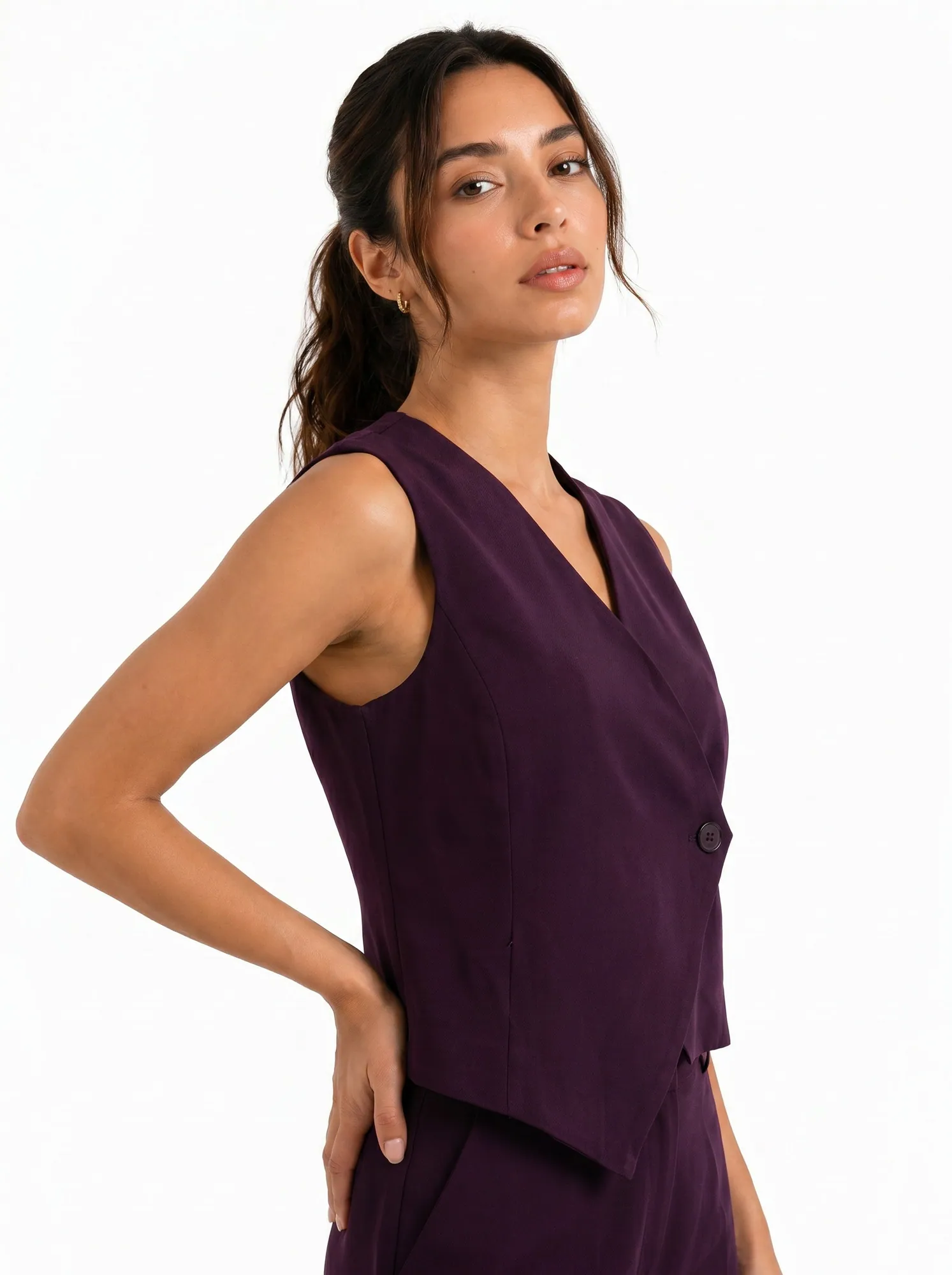
3:4 portrait covers made from one packshot (Helium-made examples)
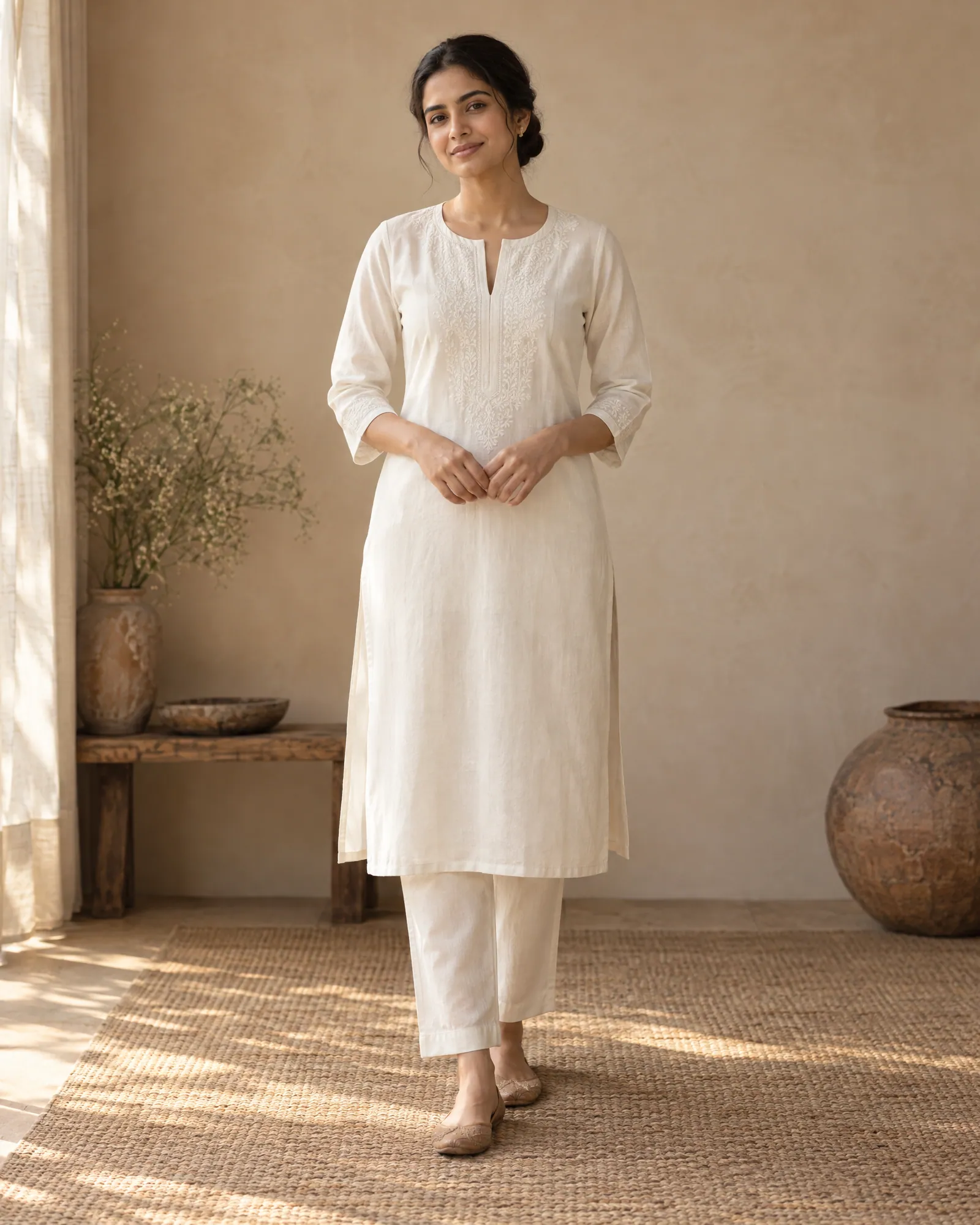
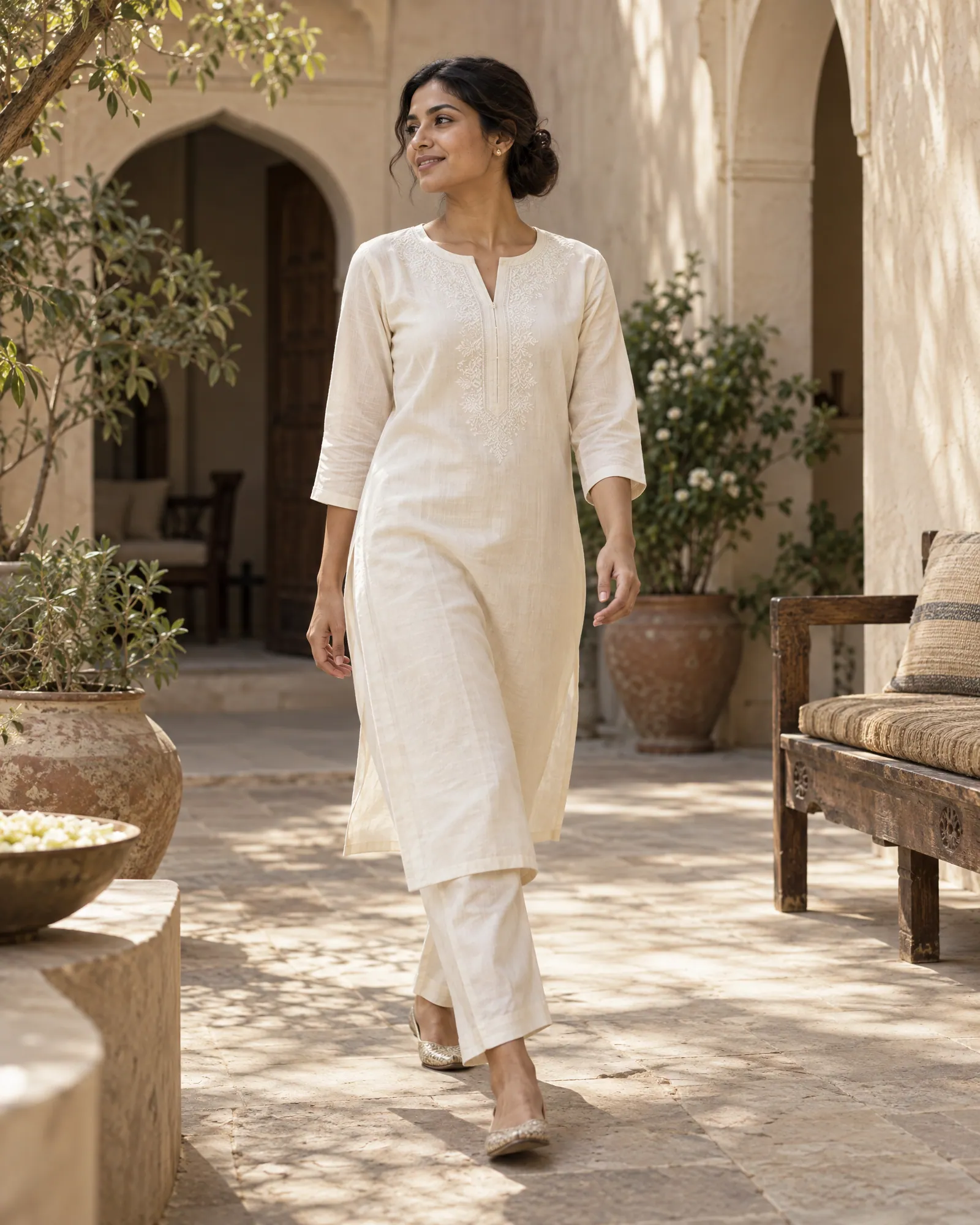
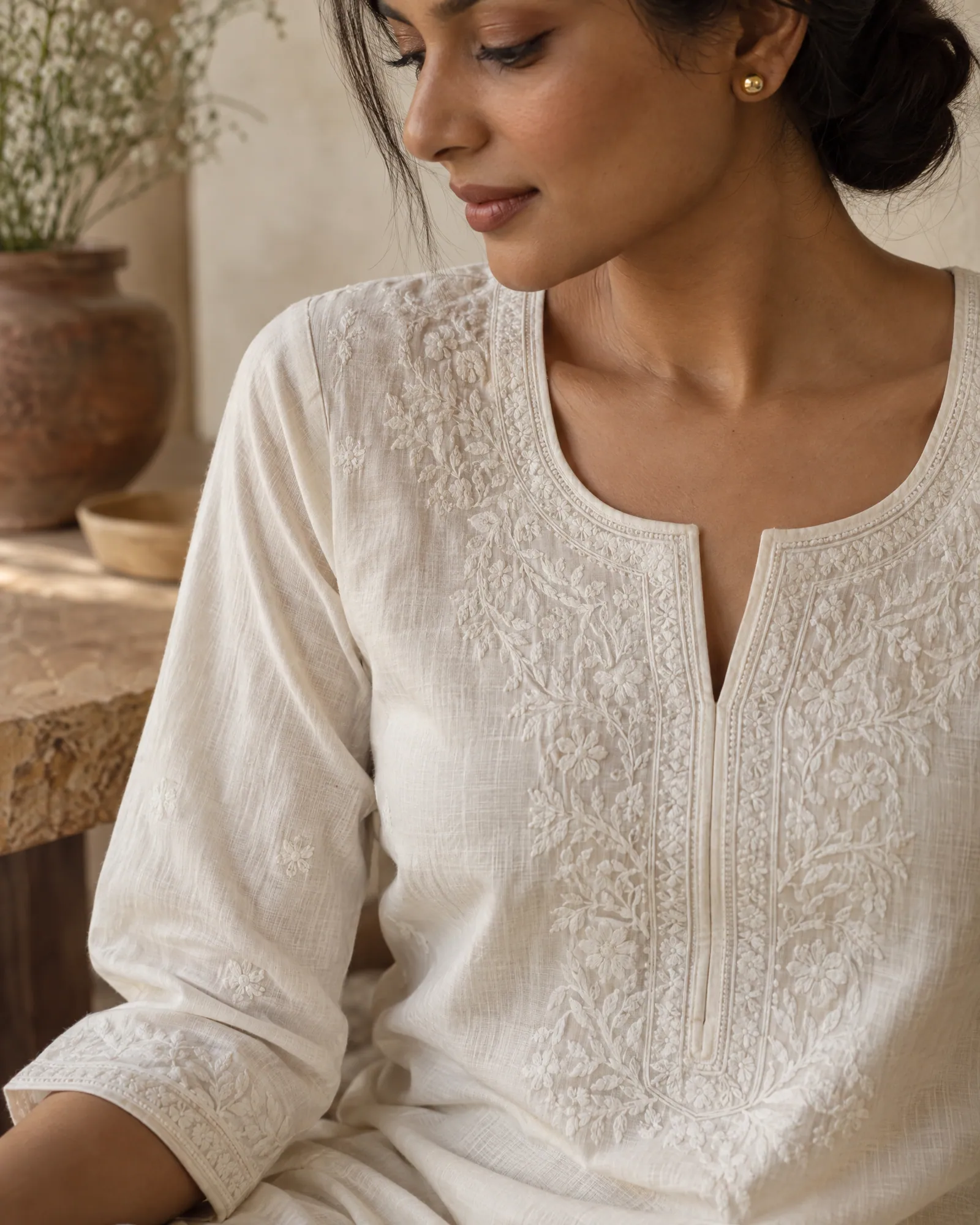
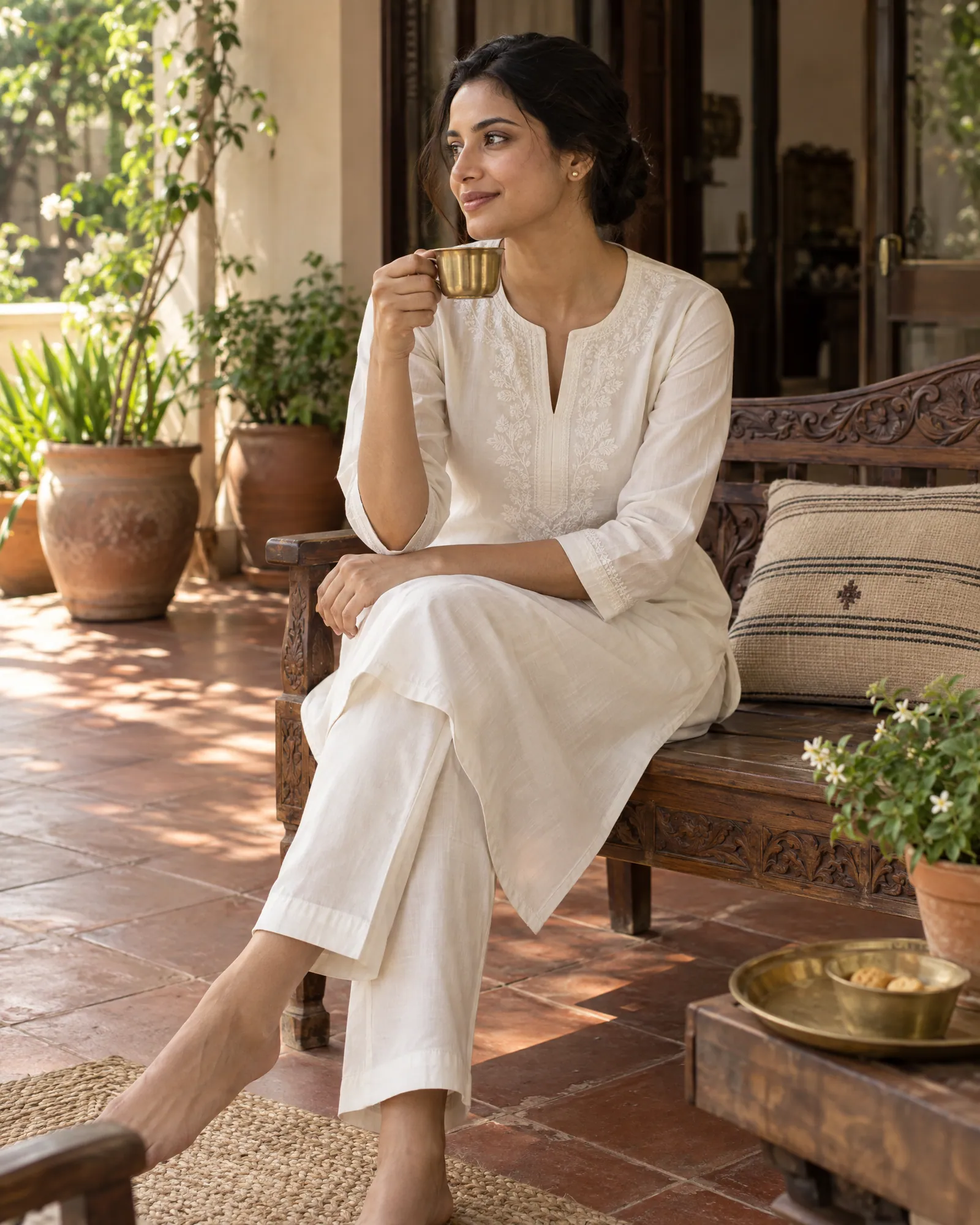
Apparel: the shot list both sources imply
Put the two sources side by side and the apparel set is clear. You need a front, a back, a side or three-quarter view, a fabric or embroidery detail, and a styled look. Fynd asks for pattern or embroidery on its own image, not a zoomed crop. Blooprint asks for five images per style and a full set for each colour.
For models, Blooprint reports full-length shots on a live model who wears the exact SKU, with no visible mannequin. It also asks you to leave room above the head and below the feet for the 3:4 crop, and not to crop at the ankles. Fynd adds that Myntra rejects loose or very tight fits, an inconsistent model skin tone, and a hand that hides the product's selling point.
A worked example, illustrative only: a brand with 40 styles in 3 colours each has 120 colour sets. At five images a set, per Blooprint, that is 600 images. At Helium's catalog price of ₹85 an image, our arithmetic puts that at ₹51,000 before GST, from your existing packshots. Your count and price will differ, and volume pricing applies to full catalogs.
Accessories and footwear
Fynd lists extra rules beyond apparel.
- Sunglasses: keep a 1 to 2 inch gap between the product and the frame edge.
- Other accessories: keep a 4 to 5 inch gap.
- Makeup: at least 2 images.
- Wallets: 6 images (front, back, open, open back and detail), on a white background with natural shadow.
- Footwear: front, back, side, angled and detail shots, and only the right-leg shoe in frame. Mirrored images are a rejection reason.
These are Fynd's figures for Myntra listings. Other categories may have rules neither source covers, so ask for the category sheet.
What the sources do not tell you
Some questions come up on every Myntra onboarding and neither source answers them.
- Colour accuracy. Both mention colour casts and inconsistent colour as problems, but give no tolerance. Shoot or generate against the real product and check the shade by eye on a phone screen, because that is where shoppers see it.
- Video and extra slots. Neither page states a limit on the number of images per listing, or any video rule.
- Category exceptions. Fynd and Blooprint cover apparel, accessories and footwear in detail. Home, beauty and other categories may have their own sheets.
- Changes over time. Both pages were read on 27 November 2026. Marketplace rules move, so recheck before a big upload.
If you sell on Amazon as well, the image rules are set separately by Amazon. See our Amazon product image requirements so you do not reuse one export for both.
A pre-upload check that takes ten minutes
- Get your category sheet
Ask your Myntra category manager or onboarding contact for the current image guideline for your category. It settles the background question. - Export at 1,500 x 2,000 JPEG sRGB
This is the size Blooprint recommends, and it is above the 1,080 x 1,440 minimum both sources report. Check the file size against the limit your sheet gives. - Look for rejection triggers
Scan every image for text, a price tag, a visible mannequin, creases, mirrored shoes and a cropped ankle. Run a few covers through our marketplace photo audit to see how they look beside competitors in the grid. - Name files by style and slot
Blooprint suggests style ID plus slot number. Keep one set per colour. - Upload one style first
If Myntra rejects it, you learn the real rule from one image, not from 600.
Where Helium fits
Helium sells catalog images, made from the photos you already have, with product-accuracy checks on every image. In India that is ₹85 an image, with volume pricing for full catalogs; see pricing. We can deliver in the size, ratio and background your Myntra sheet asks for, including a white and a light grey version of the same set.
If your problem is that covers look weaker than competitors in the grid, not that files get rejected, start with the marketplace photo audit and then send one product for a free sample. Our AI photoshoot service covers on-model, detail and lifestyle shots for apparel.
Sources
Questions
Myntra image questions
Can AI-made images be used on Myntra?
Neither source addresses this, and we did not find a Myntra page that does. Helium makes images from your real product photos and checks product accuracy, but you should confirm Myntra's current policy with your category contact.
How many images does a Myntra apparel listing need?
Fynd requires front, side and back views. Blooprint asks for at least five per style, with a full set for each colour.
Is the Myntra background white or grey?
The sources disagree. Fynd says light grey with a soft shadow for apparel and that white is not accepted. Blooprint says pure white for the first image. Check the guideline Myntra gives your brand.
What is the Myntra image file size limit?
Fynd gives 500 KB to 1 MB. Blooprint says around 2 MB or less. Because they differ, use your category sheet, and keep files near the lower range if unsure.
What size should Myntra images be?
Fynd's documentation says 1080 x 1440 or more at a 3:4 ratio. Blooprint reports the same minimum and recommends 1,500 x 2,000 px or larger for the main image. Both say JPEG.
Why does Myntra reject images?
Common reasons across both sources include text or watermarks, price tags, wrong aspect ratio, low resolution, a visible mannequin in apparel, creases, and fewer images than required. The rejection table above lists them by source.
Keep reading
Related.
Amazon product image requirements, as a checklist.
The main-image rules that get listings suppressed, the technical specs, and where AI-made images belong in your gallery.
Catalog photoshoot cost per product in India, 2026.
What a studio, a freelancer and Helium charge per product, a 100-product worked example, and how to plan the shoot so the catalog looks like one brand.
Which cover would you click?
On Myntra, Ajio or Amazon, a shopper sees one small photo of your product next to dozens of others. This prompt scores each of your covers on colour, zoom and lifestyle, and tells you what to change.
Free sample
Send one style. We'll match your Myntra sheet.
Share a product and its photos. We will send a 3:4 cover and the supporting shots, so you can compare them with your current listing.
Rather talk? or WhatsApp us